Set up as many classes as your madrasa actually runs — Hifz, Nazira, Qaida, or regular school subjects — and assign a teacher to each.
وَيُعَلِّمُكُمُ الْكِتَابَ وَالْحِكْمَةَ
“...and teaching you the Book and wisdom.”
— Surah Al-Baqarah, 2:151
A class in MadarsaHub is any group of students that gets taught, and takes attendance, together — this covers traditional Quran classes as much as it covers a regular school subject, if your madrasa teaches both. Each class shows its student count and assigned teacher at a glance.
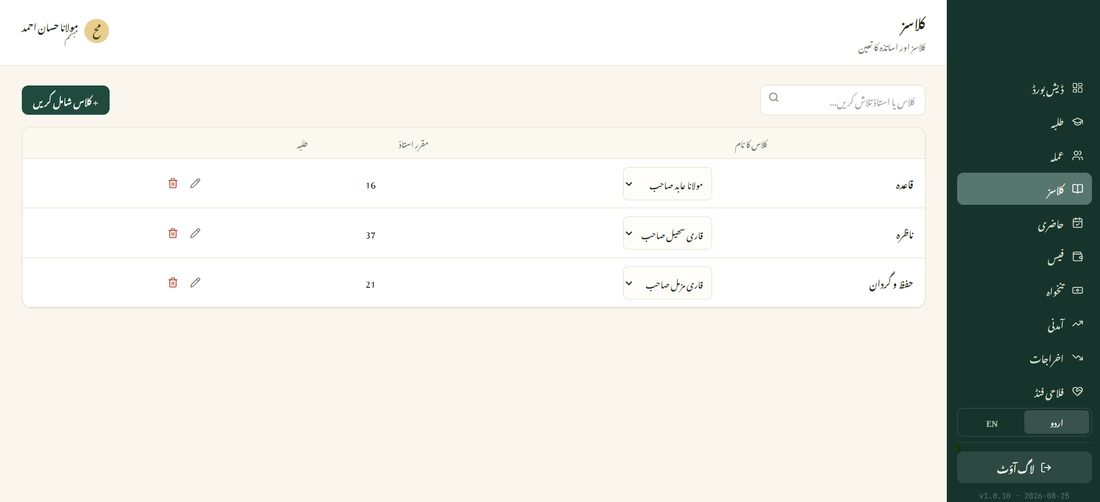
Tap the teacher dropdown on any class and pick from your existing staff — only accounts with a Teacher role appear here. The assigned teacher gets access to mark attendance and record progress for that class specifically.